"I've never given my seed phrase to anyone. So why is my money gone?"
It's the question that haunts many theft victims. They wrote their seed phrase on paper, locked it in a safe, maybe even used a hardware wallet, and their funds still disappeared.
The explanation is simple: stealing your crypto doesn't always require your seed phrase. On a blockchain, there's more than one way to move your assets. Sign a malicious transaction, approve a malicious contract or paste the wrong address, and an attacker can take your funds while your seed phrase sits untouched in the safe.
Key takeaways
- Malicious approvals (approve) and off-chain signatures (permit) let attackers move your tokens legitimately, no seed phrase needed.
- Since Ethereum's Pectra upgrade, scammers have used EIP-7702 delegations for a new kind of signature phishing.
- Address poisoning exploits copy-and-paste habits and has caused single losses in the tens of millions of dollars.
- On TRON, account permissions can be changed. One wrong signature can cost you control of your wallet for good.
- Exchange account thefts usually have nothing to do with seed phrases. Passwords, SMS codes and login sessions are the weak points.
Why your seed phrase isn't the only way in
Your seed phrase restores your private key, and whoever holds it controls the wallet completely. But attackers have an easier route: getting you to sign with your own key, so you complete the transfer or approval for them.
On a blockchain, a valid signature means the transaction executes. The chain doesn't check whether you really meant it. It only checks the signature. So instead of stealing your keys, attackers often try to trick you into opening the door yourself.
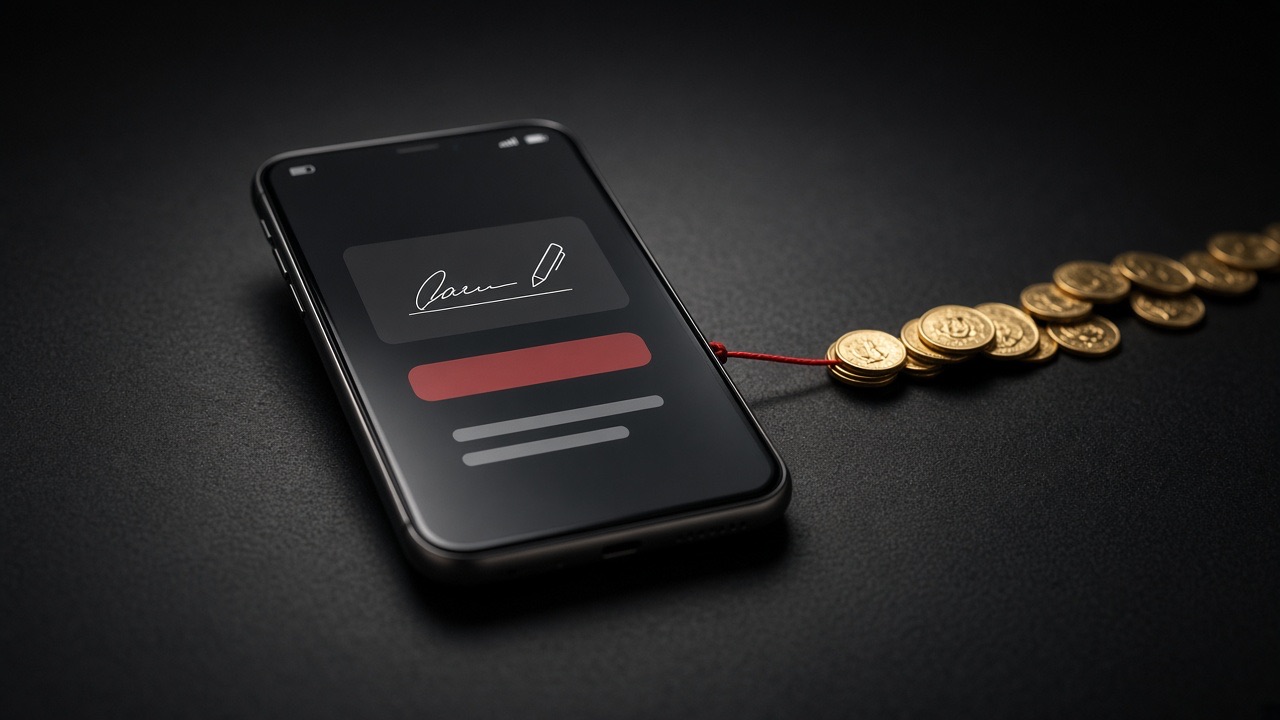
Method one: malicious approvals and signature phishing
Token approvals are a basic DeFi feature: you let a contract use your tokens, for example so an exchange contract can swap them. The problem is that many approvals default to an unlimited amount. Approve a malicious contract, and it can take all of that token whenever it wants.
Permit signatures are even sneakier. They don't require an on-chain transaction or gas fees; your wallet just shows a "signature request." Many people assume a signature can't cost them anything. But that signature may be a token approval, and once the attacker has it, they can move your funds.
Common lures include:
- "Limited-time airdrop: just connect your wallet to claim."
- Fake mint pages imitating popular projects.
- "Giveaways" posted by hacked official social media accounts.
- Clone dApp sites promoted through search ads.
Method two: EIP-7702 delegation phishing
In May 2025, Ethereum completed its Pectra upgrade. One part of it, EIP-7702, lets a regular wallet address delegate its execution to a smart contract, unlocking features like batched transactions and sponsored gas.
It was meant to improve the user experience, but scammers moved quickly. Security firms observed attackers tricking users into signing EIP-7702 delegations that point to malicious contracts. Once the delegation takes effect, the wallet's assets, and anything sent to it later, can be swept automatically.
These requests often look much like ordinary signatures, so read your wallet's prompts with extra care.
Method three: address poisoning and clipboard hijacking
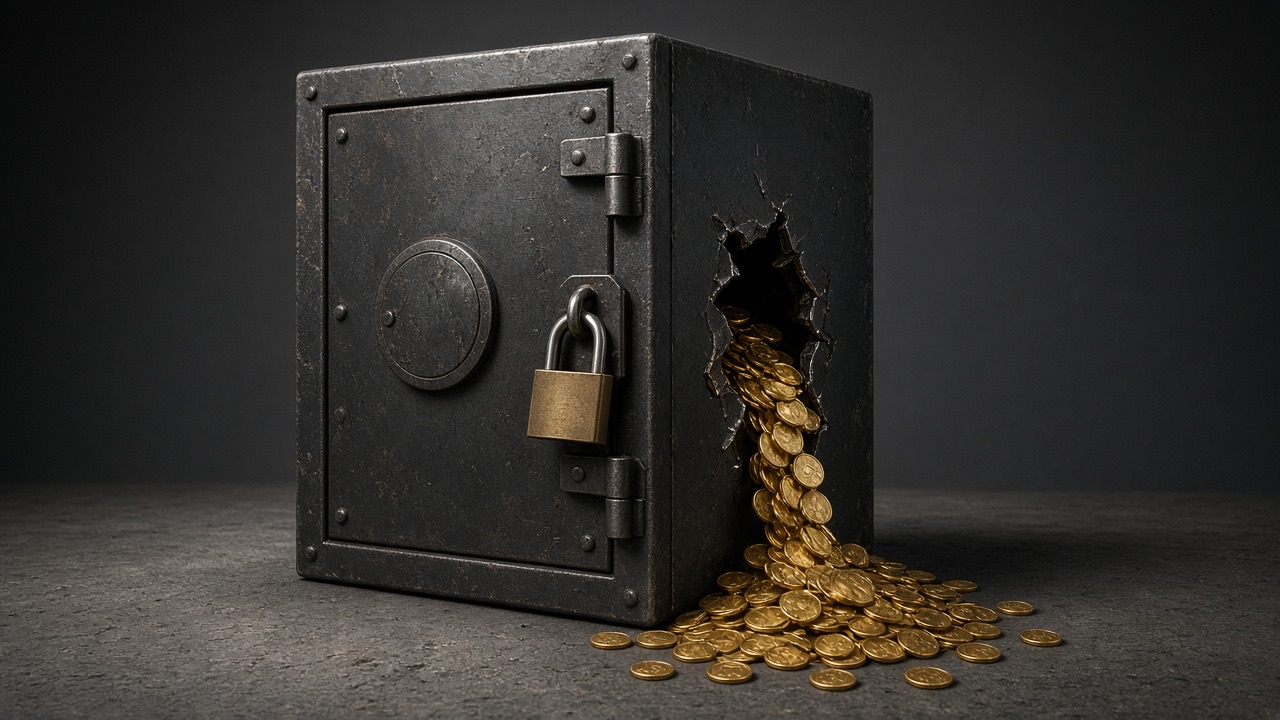
Address poisoning exploits a common habit: copying "the address I used last time" from your transaction history. Attackers generate a look-alike address that shares the first and last few characters with one you use often, then send you a zero-value or tiny transaction so the fake address appears in your history. The next time you copy from that list, you may grab the fake.
It sounds simple, but the damage can be enormous. In May 2024, one user sent about $68 million in WBTC to an attacker after falling for address poisoning. Most of it was eventually returned after negotiations, but the vast majority of victims aren't that lucky.
Clipboard hijacking is done by malware on your computer or phone, which swaps a copied address for the attacker's.
Method four: hijacked account permissions
On chains like TRON that support multi-signature permissions, an account's control settings can be changed. Attackers trick users into signing a "permission change" that transfers ownership of the account to the attacker's address.
What makes it worse: after the change, your seed phrase still "opens" the wallet and shows the balance, but you can no longer send anything out. Many people keep depositing into the wallet without realizing it, and the attacker takes it all.
This shows up in scams like "activate energy for free" or "claim your USDT bonus," and with "pre-configured wallets" sold online.
Method five: exchange account takeovers
If your crypto sits on an exchange, a theft usually has nothing to do with seed phrases. Typical causes:
- A password leaked from another site and was reused (credential stuffing).
- A SIM swap let someone intercept your SMS verification codes.
- An infostealer on your computer stole your login session (cookies).
- You entered your username, password and code on a phishing site.
Every "no seed phrase needed" attack at a glance
| Method | What the attacker needs from you | Your defense |
|---|---|---|
| Malicious approvals, permit signatures | Click "approve" or "sign" on a phishing site | Don't sign what you don't understand; revoke unused approvals regularly |
| EIP-7702 delegation phishing | Sign a delegation | Be wary of any signature asking to "upgrade" or "delegate" your account |
| Address poisoning | Copy the wrong address from your history | Use an address book, check the full address, send a small test first |
| Clipboard hijacking | Have malware on your device | Avoid unknown software; verify addresses on your hardware wallet screen |
| Permission hijacks (e.g. TRON) | Sign a permission-change transaction | Never sign anything involving "permissions"; never use a wallet someone else set up |
| Exchange account takeover | Leaked password, hijacked phone number | Unique passwords, an authenticator app, withdrawal allowlists |
| Blind signing | Confirm without seeing transaction details | Turn off blind signing; use extra verification for large transfers |
That last one, blind signing, can catch even professionals. In February 2025, the exchange Bybit was hacked for about $1.5 billion. Investigators found that attackers had tampered with the multisig wallet interface, so what the signers saw didn't match what they actually signed. The lesson: "read before you sign" isn't just a slogan. It's the last line of defense.
FAQ
How do I check and revoke my wallet's token approvals?
Use the approval checker on a block explorer such as Etherscan, or a well-known tool like Revoke.cash. Connect your wallet, review every approval and revoke anything unnecessary or suspicious. Each revocation costs a small gas fee.
I only signed a message and didn't send a transaction. Can I still be robbed?
Yes. Permit signatures and EIP-7702 delegations are off-chain signatures. They cost no gas, but once an attacker has one, they can execute transfers or approvals. "No gas fee" doesn't mean "no risk."
My TRON wallet's permissions were changed. Can I get control back?
Usually not, because control of the account now belongs to the attacker. The priority is to stop sending anything to that address right away and tell anyone who might pay you to use a new address.
Does a hardware wallet protect me from these attacks?
Partly. It keeps your private key away from malware and shows transaction details on its screen. But if you confirm a malicious approval or transfer on it, that transaction executes just the same. Checking what the device screen shows is what really matters.
Summary
Your seed phrase is the master key to your wallet, but it's not the only way in. Malicious approvals, signature phishing, address poisoning and permission hijacks don't need your seed phrase. They need one click on "confirm." Protecting your crypto means guarding your seed phrase and building habits: don't sign what you don't understand, check the full address and revoke approvals regularly.
To learn more about seed phrase storage and leak risks, read is your seed phrase really known only to you. To see how malware steals crypto, read how one user lost $6,400 to a single download. If you've been robbed, report it at ic3.gov and ReportFraud.ftc.gov in the US, or to local police elsewhere. This article is for education only and isn't investment advice.

Covers security and beginner guides: wallet safety, key management, phishing and approval risks, helping readers avoid the most common ways to lose funds.
Our editorial principles →
 Sarah Collins
 David Mitchell